Start with a title.
Look up movies and series with IMDb to find matching titles, details and cover art. Find music, books and comics too, or scan a book’s ISBN barcode. Review the results before saving.
CollectHive / Android + Windows 11
Let AI help identify your collectibles, suggest item details, and bring order to everything you collect.
Play music and videos directly from the hive.
Look up details and covers.
Keep your library on your devices.
Check your collection wherever you are.
Built for the joy of collecting
From a new find to a well-organised shelf, CollectHive takes the repetitive work out of keeping track.
Look up movies and series with IMDb to find matching titles, details and cover art. Find music, books and comics too, or scan a book’s ISBN barcode. Review the results before saving.
Create collections, add custom fields and categories, and keep notes and locations. Use your own photos when an item needs a personal touch.
Search, sort and filter your library. Keep favourites and ratings close, track watched titles and series episodes, and spot missing comic issues.
Inside CollectHive
Real screens from the Android app.
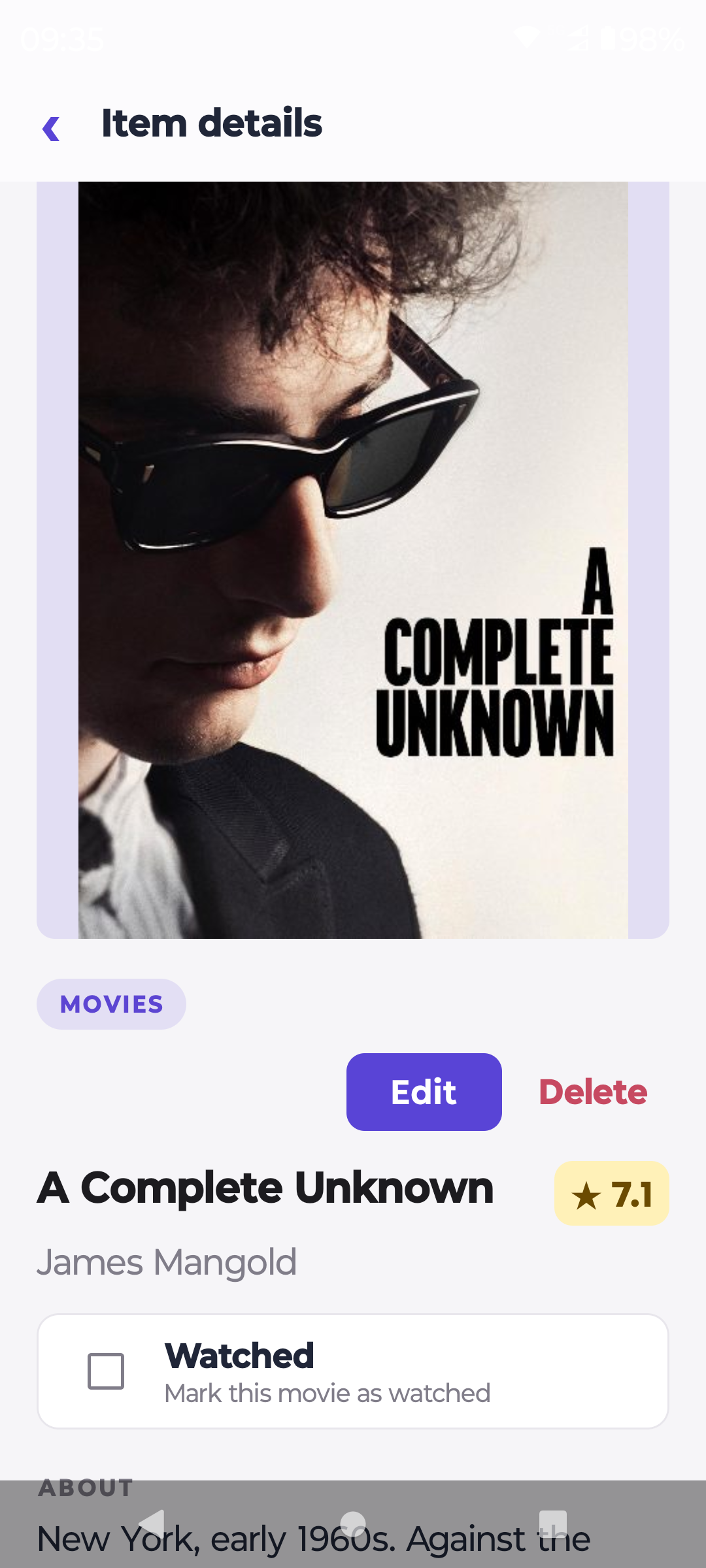
Cover art, ratings and watched status together.
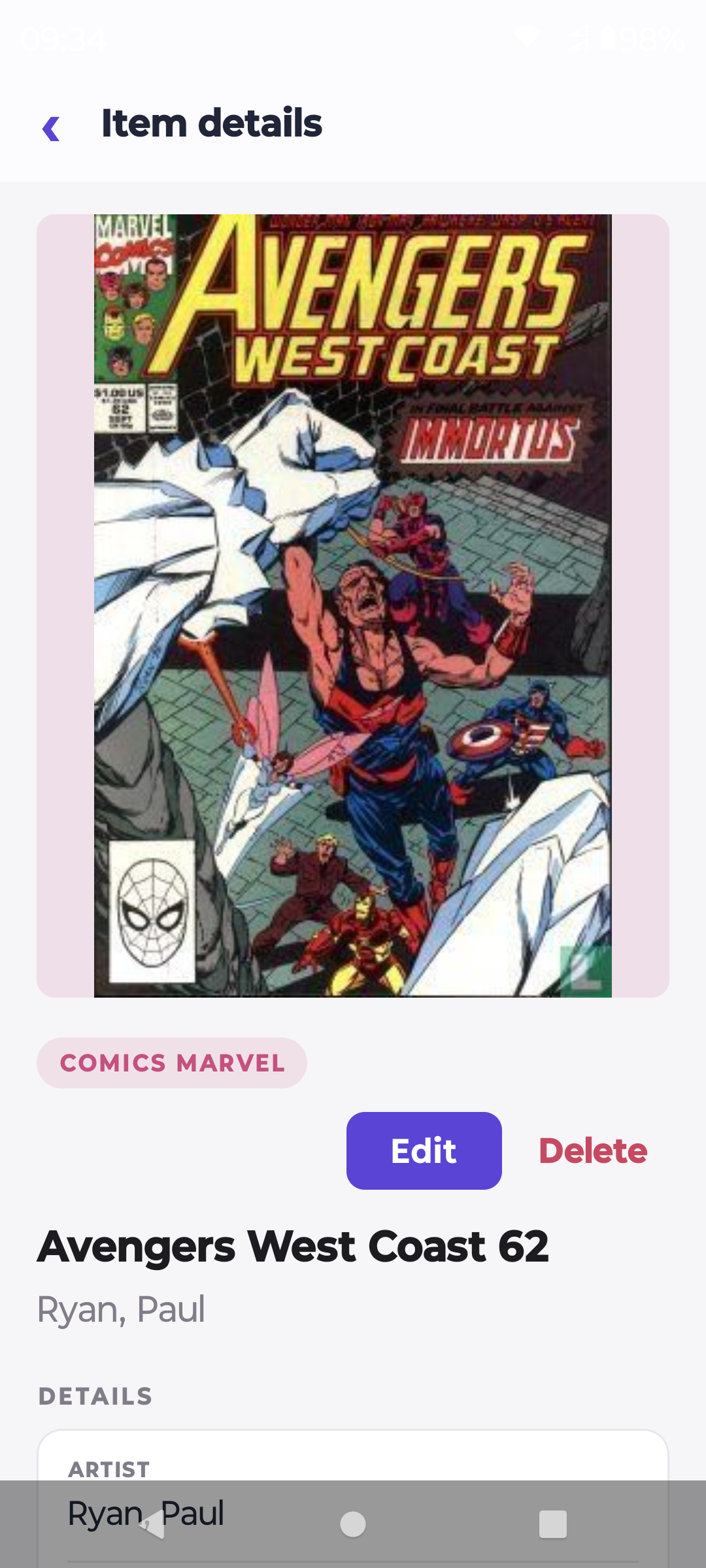
Keep issue numbers, creators and covers close.
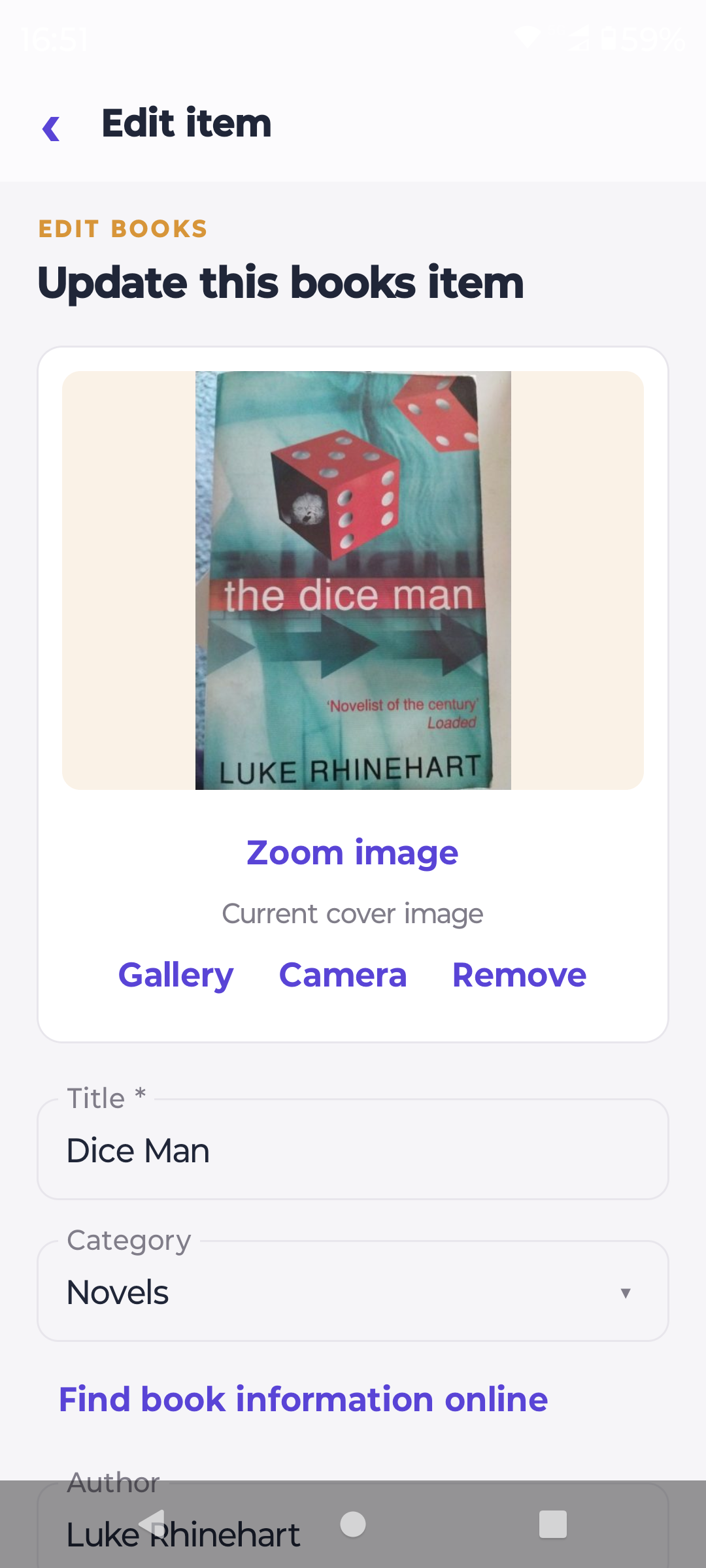
Edit details, choose a photo or look up a book.
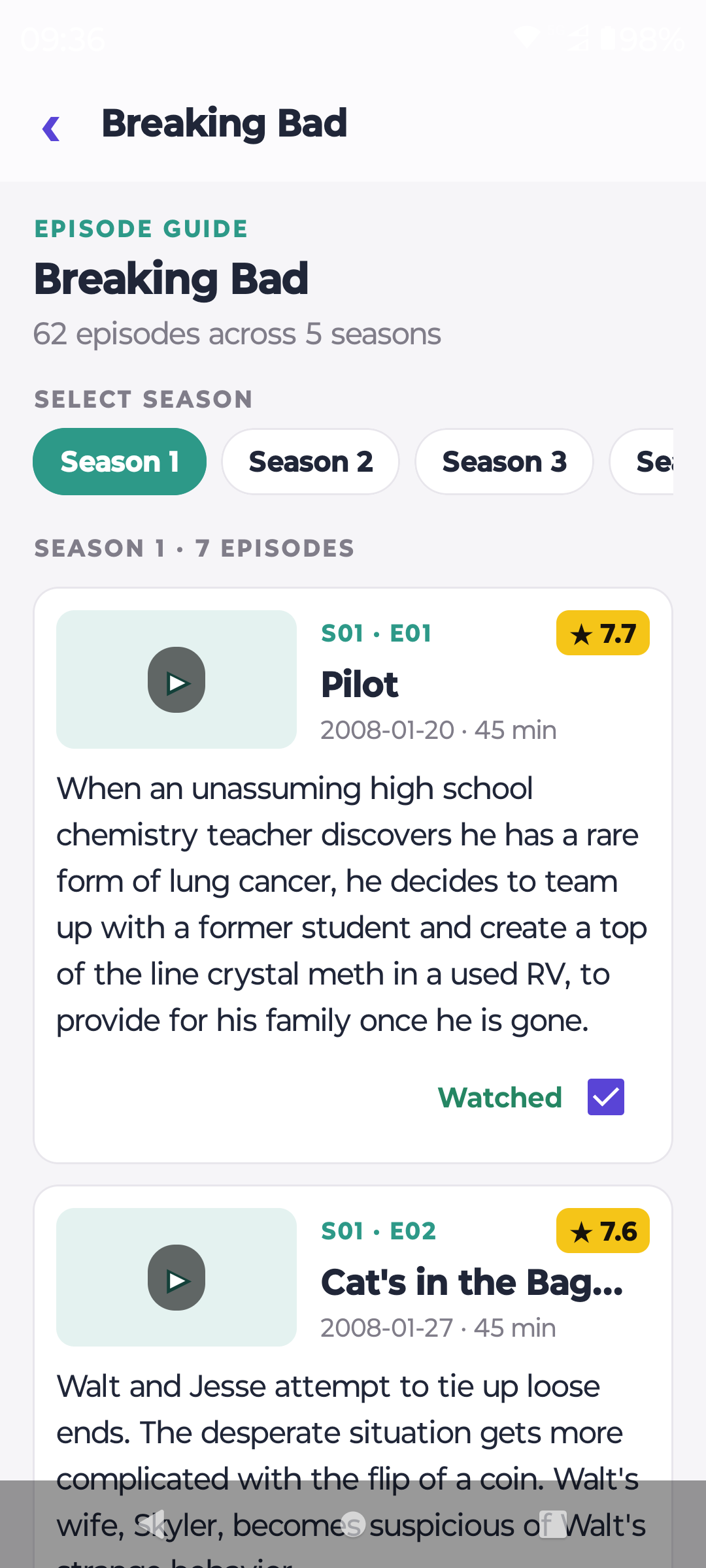
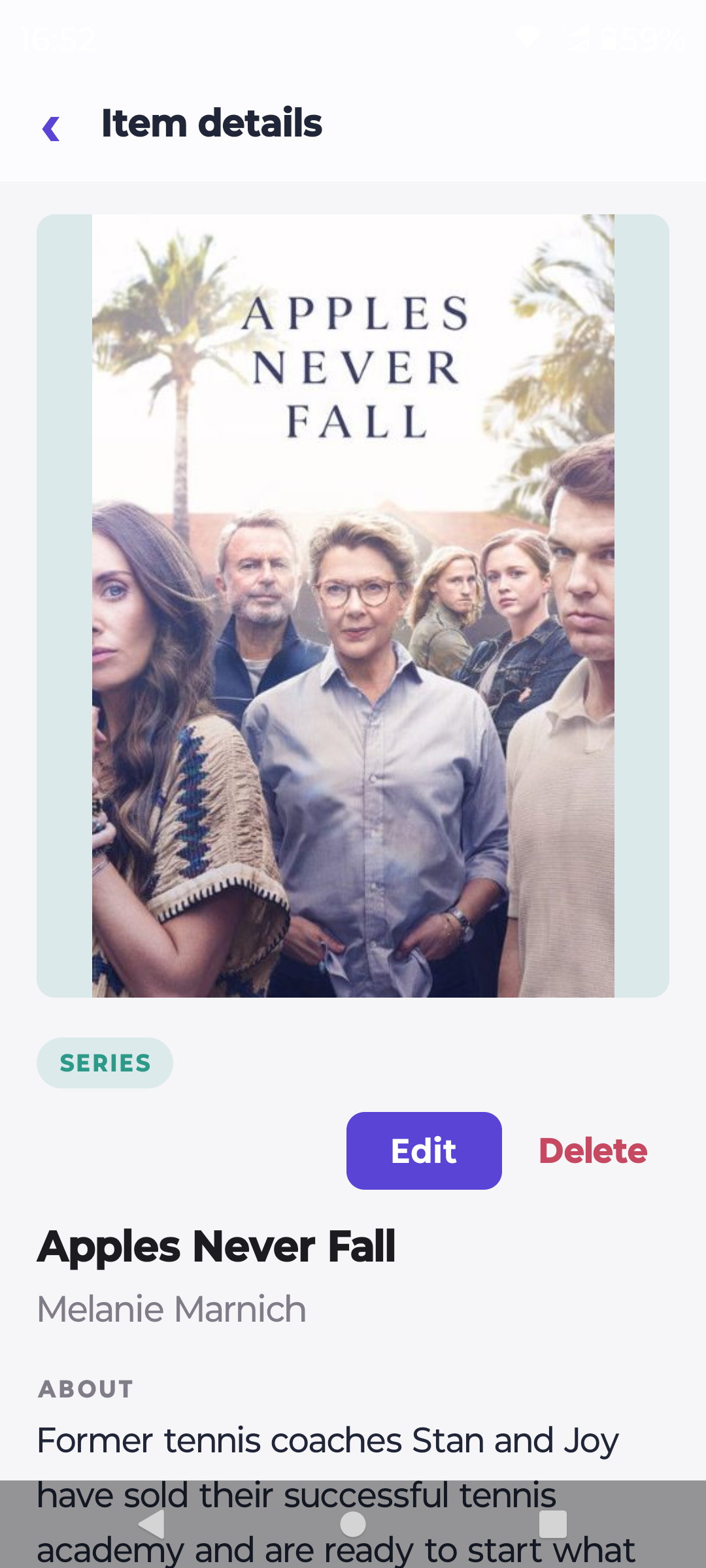
Browse seasons, read summaries and mark what you’ve watched.
Made for the things you collect
Local storage. Everyday freedom.
No cloud storage is required for your library. Choose a standalone collection on Android, or connect the paid edition to your own Windows collection service.
Create, edit and browse collections stored directly on your Android device. Your saved library is available on the train, in a shop or beside your shelves—even without a connection.
Included in trial & paidThe paid edition connects Android and Windows to the same collection service on your private home network. Let the phone finish caching your library before leaving, then browse that saved copy offline.
Shared storage requires paidOnline metadata and cover lookup need internet access and contact external providers. In shared-storage mode, changes require a connection to your collection service; the offline cache is for browsing. Portable backup import and export let you move your local library between Android and Windows.
More possibilities with paid
The paid edition brings your collection to Windows 11 and connects your movie and series library to Kodi.
Use the Windows 11 app with the same core collection functions as the mobile app: organise items, search your library, look up movies and series with IMDb, and manage details, images and custom fields. Connect Windows and Android to the same Collection Data Service to keep saved changes available on both.
Import movies, series and episodes from your Kodi MySQL database into CollectHive. Run import/update again to add new titles and refresh file locations, Kodi ratings, watched status and missing artwork, while keeping your other collection details.
From your Android phone or tablet, select a movie or series episode and choose Play on Kodi. CollectHive connects directly to the selected Kodi player’s web service and tells it to play the saved media location. Save multiple players and choose where to watch.
To connect: use the Collection Data Service and shared storage for Kodi database import. Enable the web service on each Kodi player, then add its name, address, port and login details in CollectHive. Your phone must be able to reach the player on your private network, and the player must be able to access the media file. Library updates run from Kodi into CollectHive when you start import/update.
Choose your edition
The trial includes all local Android collection features, including IMDb lookup. The paid edition adds the Windows 11 app, shared storage, Kodi library sync and direct play.
| Feature | Trial | Paid |
|---|---|---|
| Local collections & custom fields | Included | Included |
| IMDb, metadata, cover & ISBN barcode lookup | Included | Included |
| Search, filters, favourites & ratings | Included | Included |
| Image zoom, episodes & missing comic issues | Included | Included |
| Portable backup import & export | Included | Included |
| Windows 11 app with the same core collection functions | Paid only | Included |
| Shared Windows / Android storage | Paid only | Included |
| Offline browsing of the shared-library cache | Paid only | Included |
| Movie & series sync from the Kodi database | Paid only | Included |
| Direct play on Kodi players from Android | Paid only | Included |
Start with the Android trial and explore all local features.
Download trial APKAdd the Windows 11 app, shared storage, Kodi library sync and direct play. Download the full Android edition below. Contact us for pricing and licensing.
Download full APKCollectHive 1.0.17 · 4 November 2026
Movie lists on Windows and Android now offer a genre filter alongside search, favourites and categories, and remember the chosen genre with the collection view. Android device-local collections work independently of the service. Remote movie genre filtering requires the matching Collection Data Service 1.0.17 update; an older service can still be used, but does not supply the genre values for this filter. The matching local Collection Data Service update has been deployed and its health checked. Updating another existing service requires Administrator access and must preserve its settings and collection data. Android full and trial are version 1.0.17, code 52; your existing library, settings and edition identity are preserved. Product review and phone testing are performed by the owner after delivery.
Picture sharing and app updates now use separate handlers, correcting a conflict that could prevent adding a camera photo. Your pictures, items, library, settings and backups stay intact. Physical camera, save and on-device update checks have not yet been performed.
Scan above Add item starts a new DVD, music or book entry and opens barcode scanning immediately. Save is directly below Scan barcode in the editor. Successful adds and edits return to the collection list with your view settings retained; failed saves keep the draft open. Windows includes quick webcam scanning and top Save controls too. Existing collection data, settings and edition compatibility are preserved. Physical scanner and save-navigation acceptance has not yet been performed.
Settings/About now offers Check for updates. Download a newer matching full or trial APK from the official page, then use Android installation permission and consent. Package, version, edition/channel, signing identity and the cached file hash are checked before installation. No silent install, downgrade, cross-edition replacement or data clearing. Your library and settings stay intact; Windows/service updates remain manual. Phone network/permission/installer tests have not yet been performed.
Each collection remembers its sorting, search, category and favourites filters, and list position on Windows and Android. Windows also restores the selected item when available. View settings stay on your device and are separate for each library and collection; no collection-data migration is required.
CollectHive support
Find installation instructions, connect Windows and Android, set up Kodi, and learn how to back up or move your collection.
Help shape CollectHive
Tell us what would make your collection easier to manage. Feature requests go to the CollectHive team by email.
Take your collection with you
Download CollectHive for Android and start building a library that is easy to look after—and easy to carry.
Download trial APKNeed a hand? Read the support & FAQ →